Claude Code
Claude Code is an agent that reads your codebase, edits files, and runs commands across your terminal, IDE, desktop app, and browser. Build, debug, and ship with natural language.
Available for macOS, Linux, and Windows. Read the documentation
export function ThemeProvider({children}: {children: ReactNode}) { const prefersDark = useMediaQuery('(prefers-color-scheme: dark)') const stored = localStorage.getItem('theme') const [mode, setMode] = useState(stored ?? (prefersDark ? 'dark' : 'light')) useEffect(() => { localStorage.setItem('theme', mode) }, [mode]) return ( <ThemeContext.Provider value={{mode, setMode}}> {children}


Get started with Claude Code
Pro
Claude Code is included in your Pro plan. Perfect for short coding sprints in small codebases.
Max 5x
Claude Code is included in your Max plan. Great value for everyday use in larger codebases.
Max 20x
Even more Claude Code included in your Max plan. Great value for power users with the most access to Claude models.
Prices include 10% JCT
Usage limits apply. Price and plans are subject to change at Anthropic's discretion.
Latest feature announcements
Meets you where you code
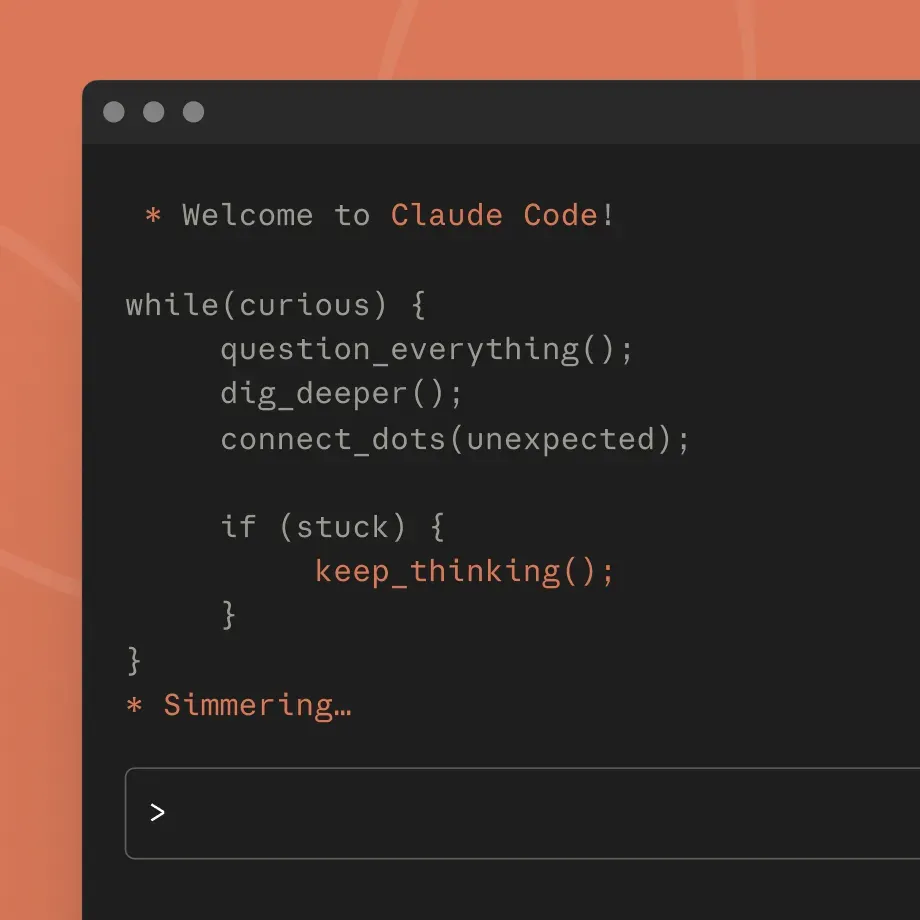
Start in your terminal
Super powerful terminal integration. Works with all your CLI tools alongside any IDE.
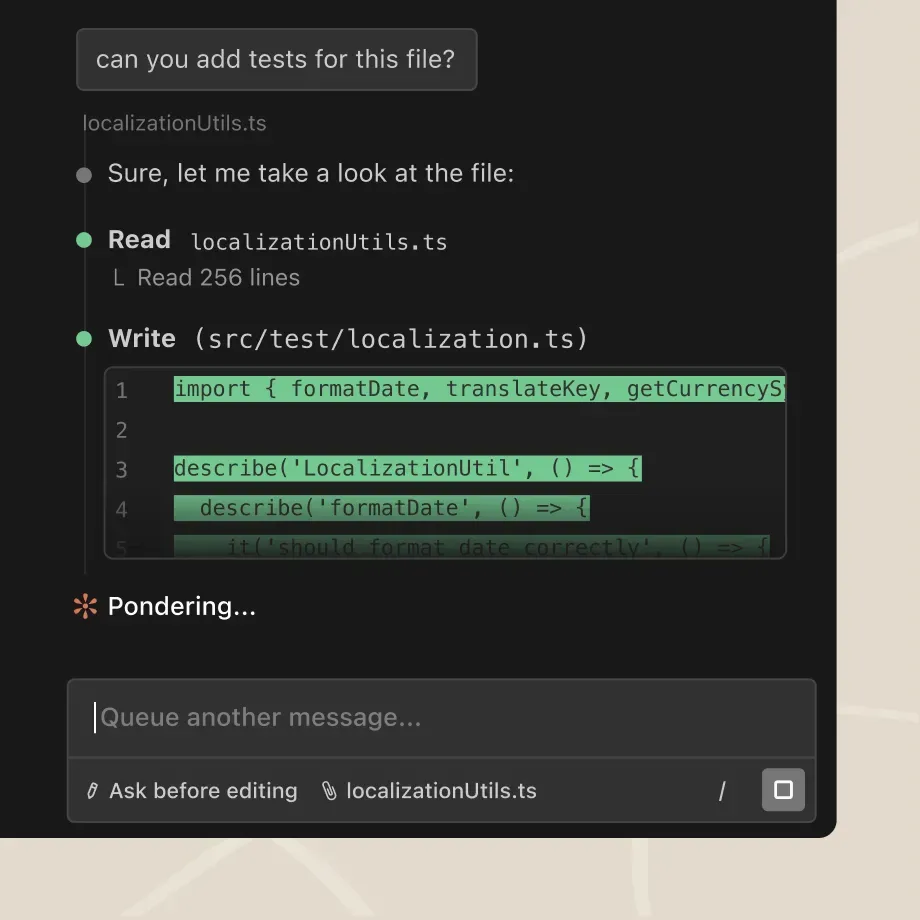
Integrate with your editor
Native extensions for VS Code (+ Cursor, Devin Desktop) and JetBrains IDEs.
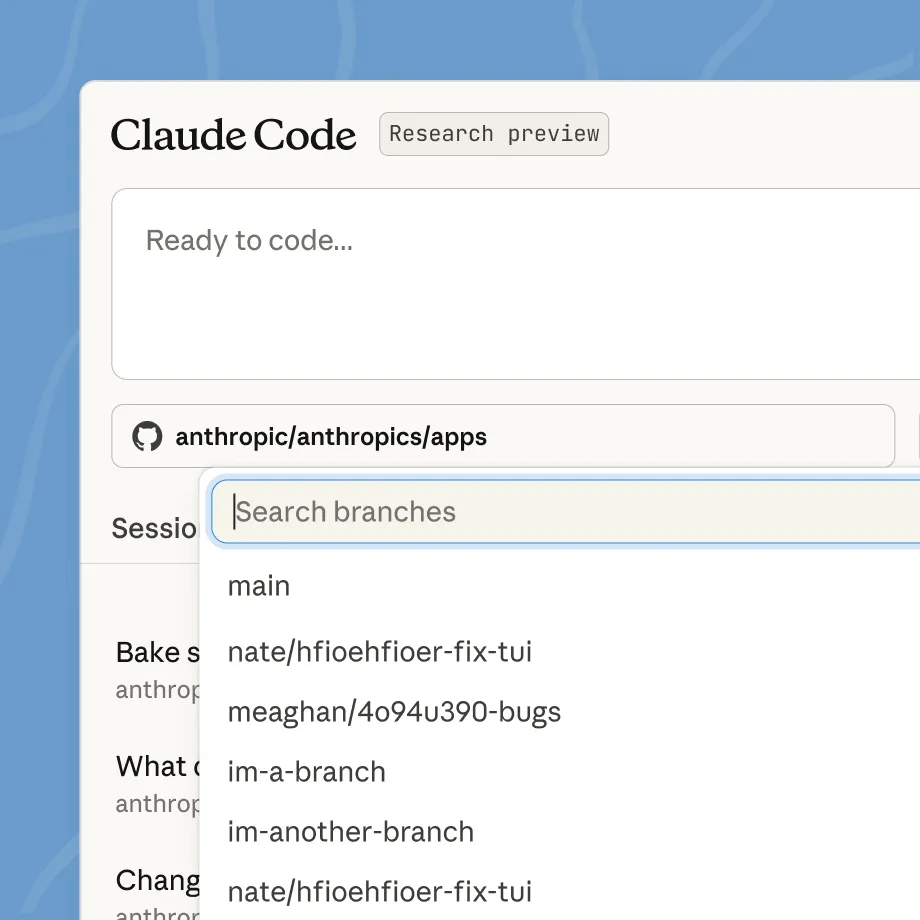
Access anywhere
Quick access from browser, mobile app, or Claude on desktop. Great for parallel work or on-the-go coding.
What developers are saying

“Claude Code has dramatically accelerated our team's coding efficiency. I can now write EDA code in a notebook—pulling data, training a model, and evaluating it with basic metrics—and then ask Claude to convert that into a Metaflow pipeline. This process saves 1-2 days of routine (and often boring!) work per model.”
Anton Biryukov, Staff Software Engineer
Read story
“With Claude, we're not just automating customer service—we're elevating it to truly human quality. This lets support teams think more strategically about customer experience and what makes interactions genuinely valuable.”
Fergal Reid, VP of AI
Read story
“Claude Code is moving our team up a level: we decide what needs to happen, and smooth the process so it can build and verify end-to-end. A big part of my job now is to keep as many instances of Claude Code busy as possible.”
Simon Last, Co-founder
Read story





Connects with your favorite command line tools
Your terminal is where real work happens. Claude Code connects with the tools that power development—deployment, databases, monitoring, version control. Rather than adding another interface to juggle, it enhances your existing stack.
FAQ
You can access Claude Code with a Claude Pro or Max plan, a Team or Enterprise plan premium seat, or a Claude Console account. Download Claude Code and sign in with your respective Claude or Console credentials.
Claude Code excels at both routine development tasks like bug fixes and testing, as well as transformative work like refactors and feature implementation that require deep codebase understanding.
Claude Code runs in your terminal and works alongside your preferred IDE and development tools without requiring you to change your workflow. Claude Code can also use command line tools (like Git) and MCP servers (like GitHub) to extend its own capabilities using your tools.
Yes. Claude Code runs locally in your terminal and talks directly to model APIs without requiring a backend server or remote code index. It also asks for permission before making changes to your files or running commands.
Claude Code works on macOS, Linux, and Windows. See full system requirements.
When used with a Claude Console account, Claude Code consumes API tokens at standard API pricing.
Yes. Max, Pro, Team, and Enterprise users can access Claude Code on the Claude desktop app.
Fast mode is a high-speed configuration for Opus 4.8, making the model 2.5x faster at a higher cost per token. Fast mode is available:
- In research preview on Claude Code, and is priced at $30/$150 per million tokens.
- On consumption-based plans.
- Via usage credits for users on subscription plans.